

How It Works
- Add LinkedIn companies to monitor
- OutXAI scans companies every 12 hours
- Get clean feeds of posts, updates, and activity
- Organize with watchlists, labels, and notifications”
Quick Setup Guide
1. Create Watchlist
Go to Company watchlist and click + New to create a new watchlist. A people watchlist lets you track specific LinkedIn company and get notified when something changes like new posts, job updates, or activity.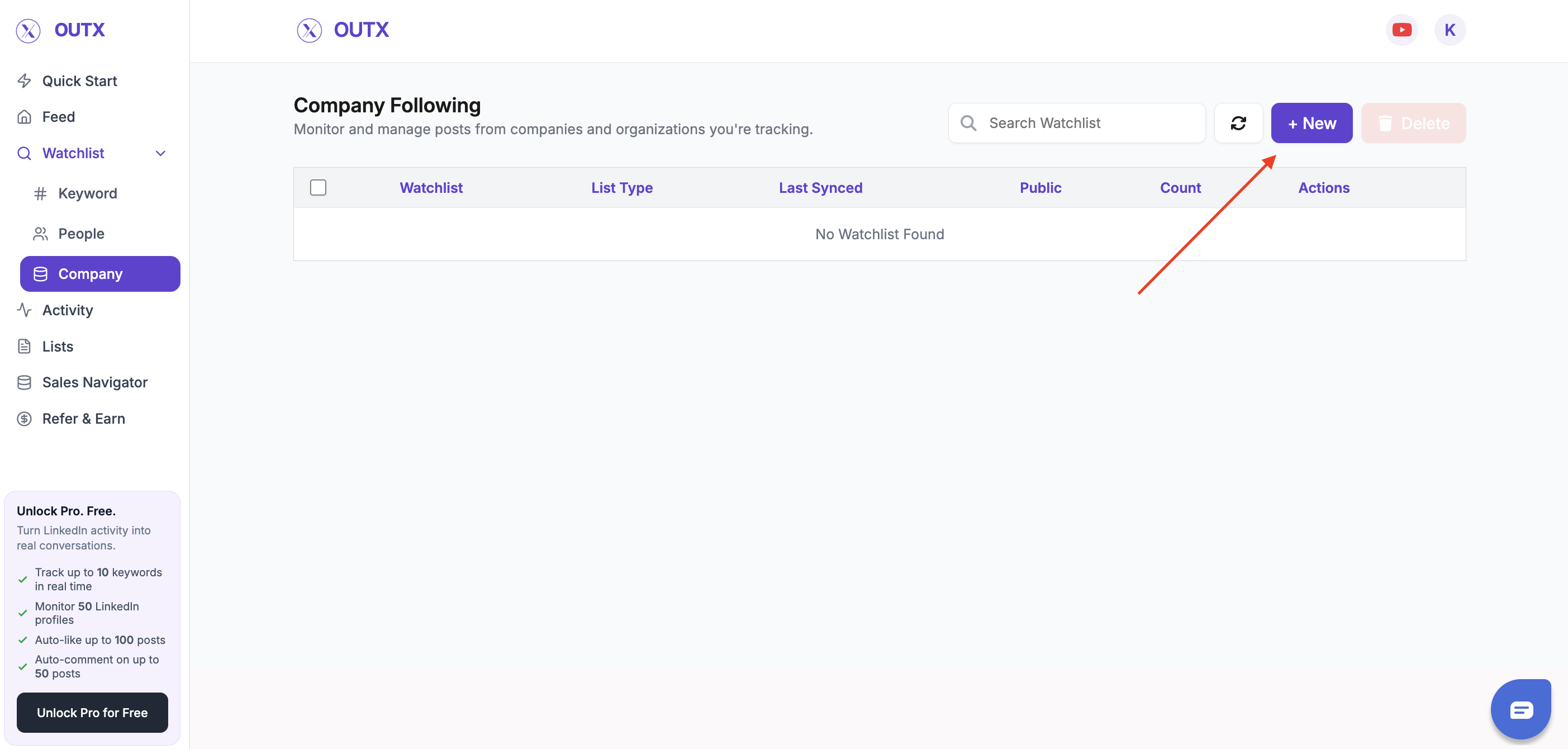
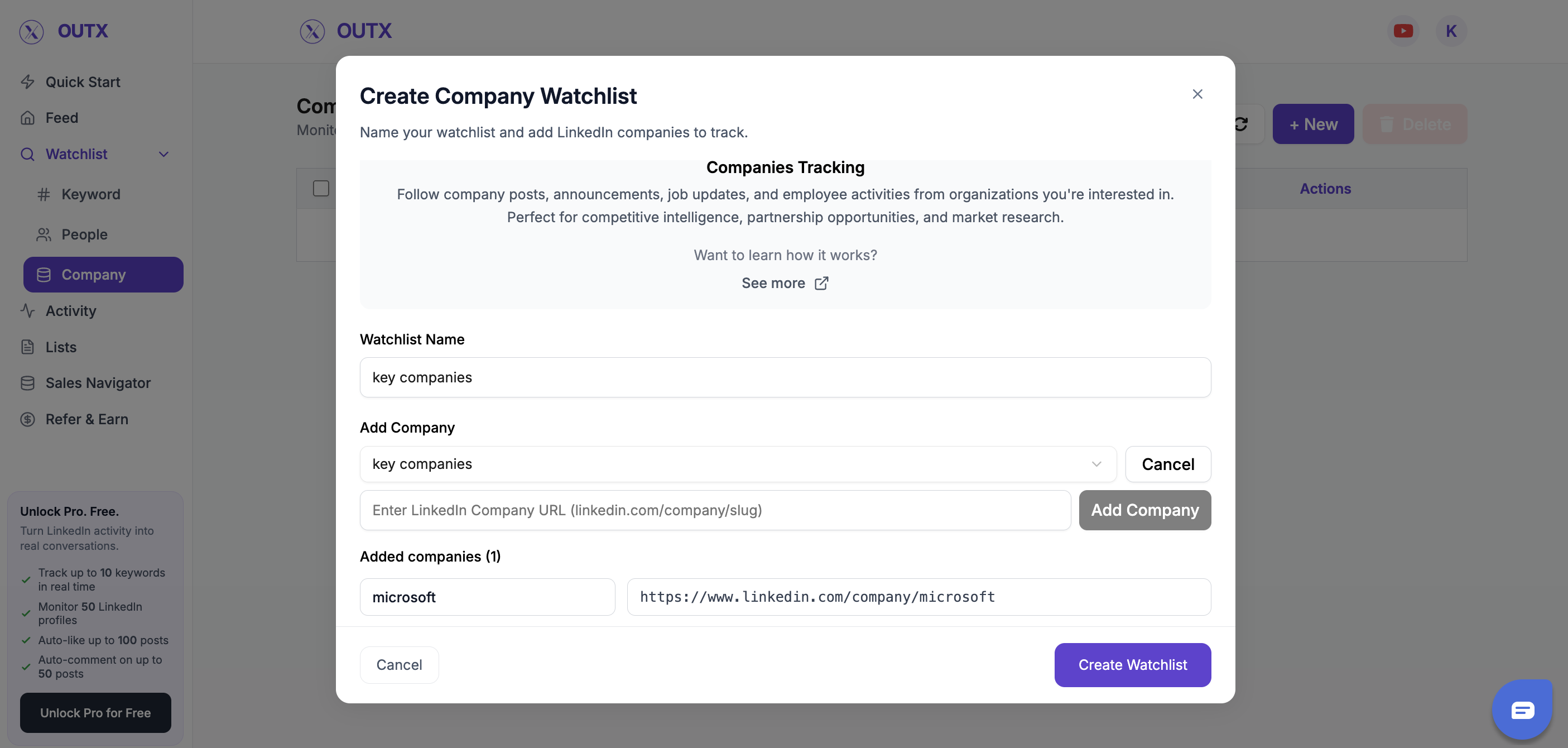
2. Add companies
This step defines which LinkedIn company OutX.ai should monitor. Give your watchlist a clear name so you know exactly who it’s for. Examples:- Key Prospects
- Target Founders
- Hiring Managers – US
3. Set Labels
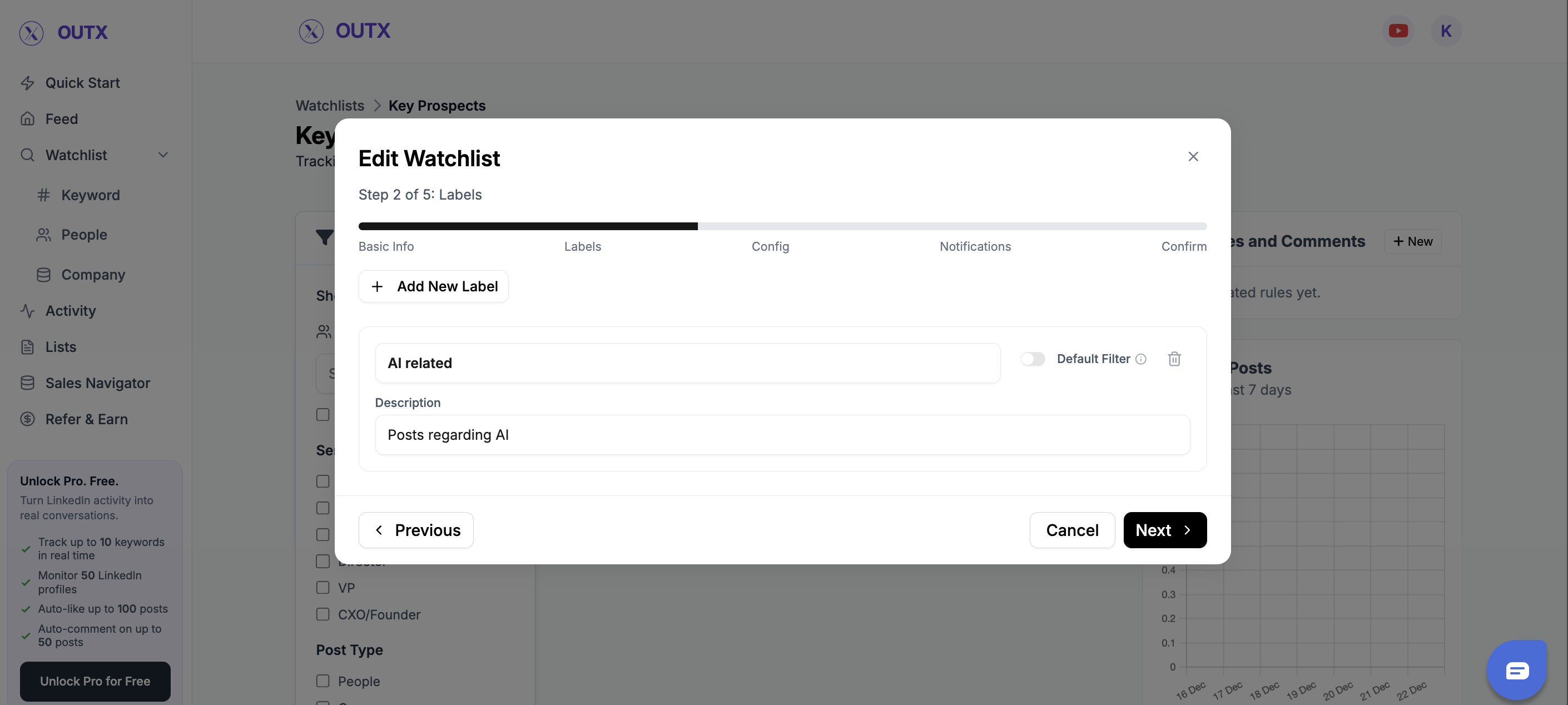
Labels help you group company inside a watchlist. Instead of tracking everyone the same way, labels let you:- Segment company by role, intent, or priority
- Filter updates more easily
- Understand why someone is being tracked
- High-Intent Leads
- Startups
4. Configuration
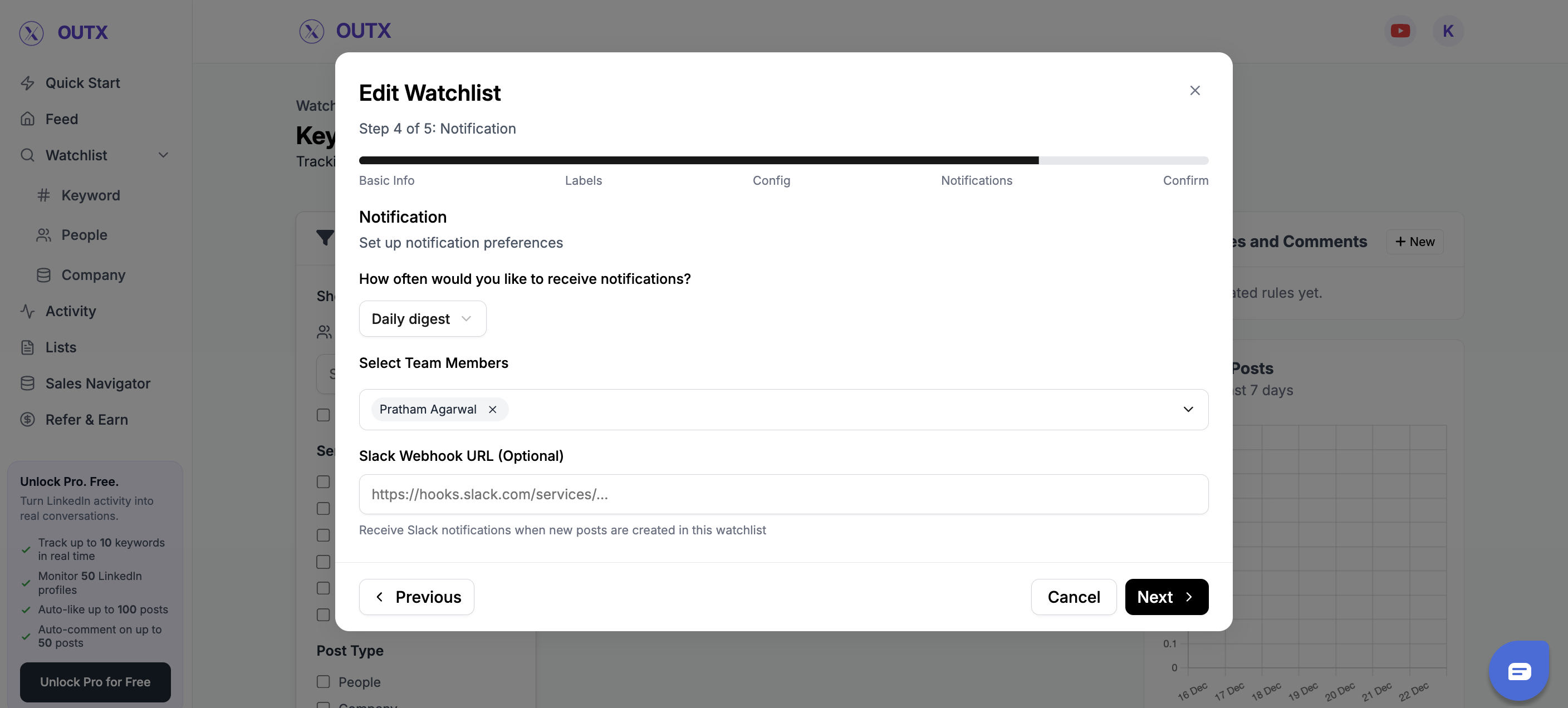
Fine-tune how and when you’re notified:- Fetch frequency: How often OutX.ai scans LinkedIn (e.g., every 12 hours)
- Team access: Add teammates to the watchlist
- Slack integration: Drop in your webhook URL to receive real-time alerts
FAQs
Q1: Can I track private companies? No, Outx.ai only tracks publicly available data to stay compliant with LinkedIn’s rules.Q2: Can I see a user’s connection list? No, LinkedIn does not allow third-party tools to access private connection data.
Q3: What if a company blocks me? If a company blocks you on LinkedIn, Outx.ai cannot fetch their posts anymore.
Q4: How many companies can I track? Depends on your plan usually from 100 up to thousands for enterprise.
Q5: Can I get alerts for company updates like job changes? Yes, Outx.ai supports this in the company tracking module.
6: Can i filter all the posts based on location? No, currently there’s no way for filtering posts based on location but we are working on it and soon you’ll see that