

Why Use Data Export?
Finding the right people on LinkedIn is easy, but turning searches into usable data is slow and manual. Data Export helps you move faster from LinkedIn search results to outreach-ready lists.How OutX.ai Helps with Data Export
OutX.ai extracts structured profile data directly from LinkedIn searches. You get clean lists that can be enriched, filtered, and exported—ready for sales or recruiting workflows.Choose How You Want to Export Data
OutX.ai supports two ways to export LinkedIn data. Choose the one that fits how you search on LinkedIn.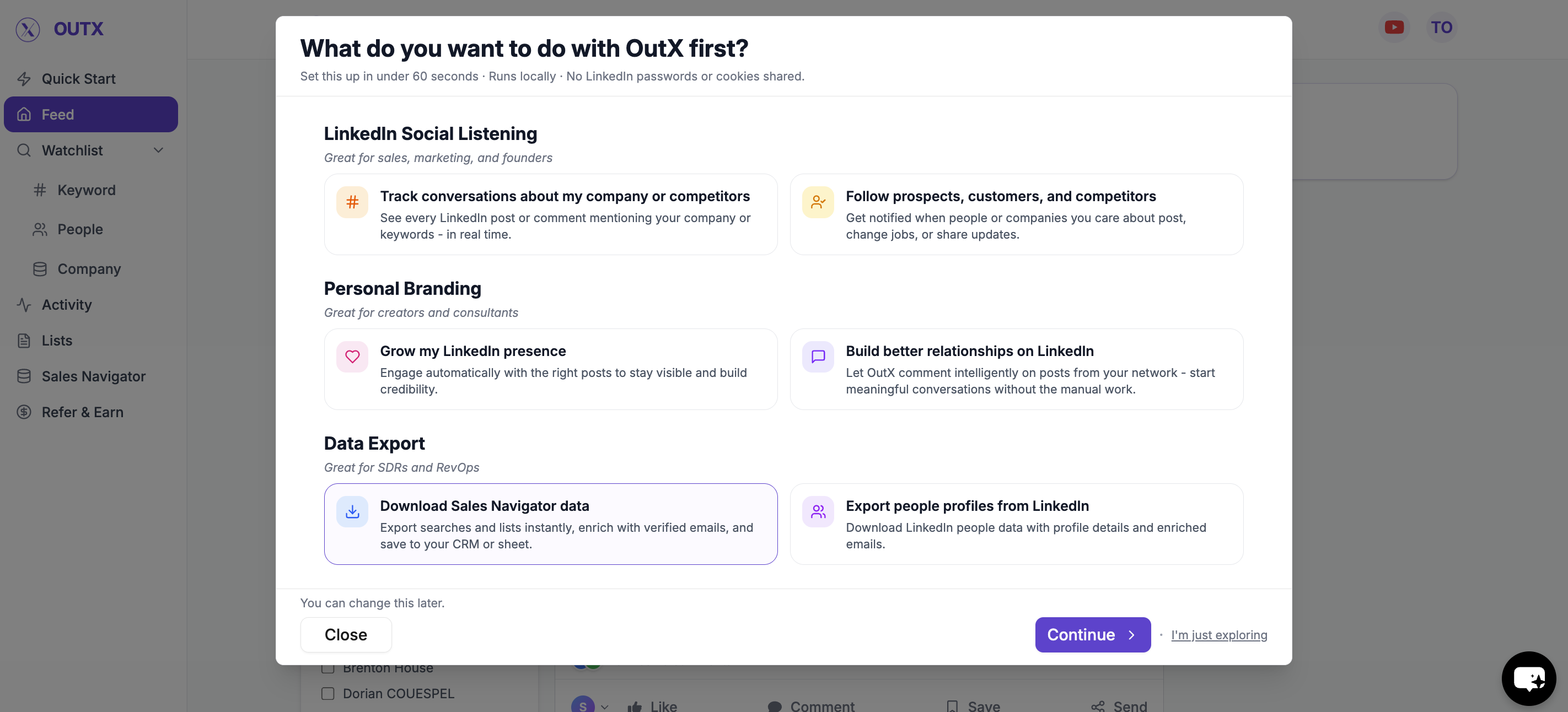
Option 1: Download Sales Navigator data
Use this when you already rely on LinkedIn Sales Navigator for prospecting.What this is best for
- Advanced filters and ICP targeting
- Account-based or role-based searches
- High-quality outbound lists
How to download via Sales Navigator
- Open a Sales Navigator search
- Paste the search URL into OutX.ai
- Review the number of profiles detected
- Start the export
Option 2: Export from LinkedIn People Search
Use this when you don’t use Sales Navigator and rely on standard LinkedIn search.What this is best for
- Simple people searches
- Smaller, focused lists
- Quick exports without Sales Navigator
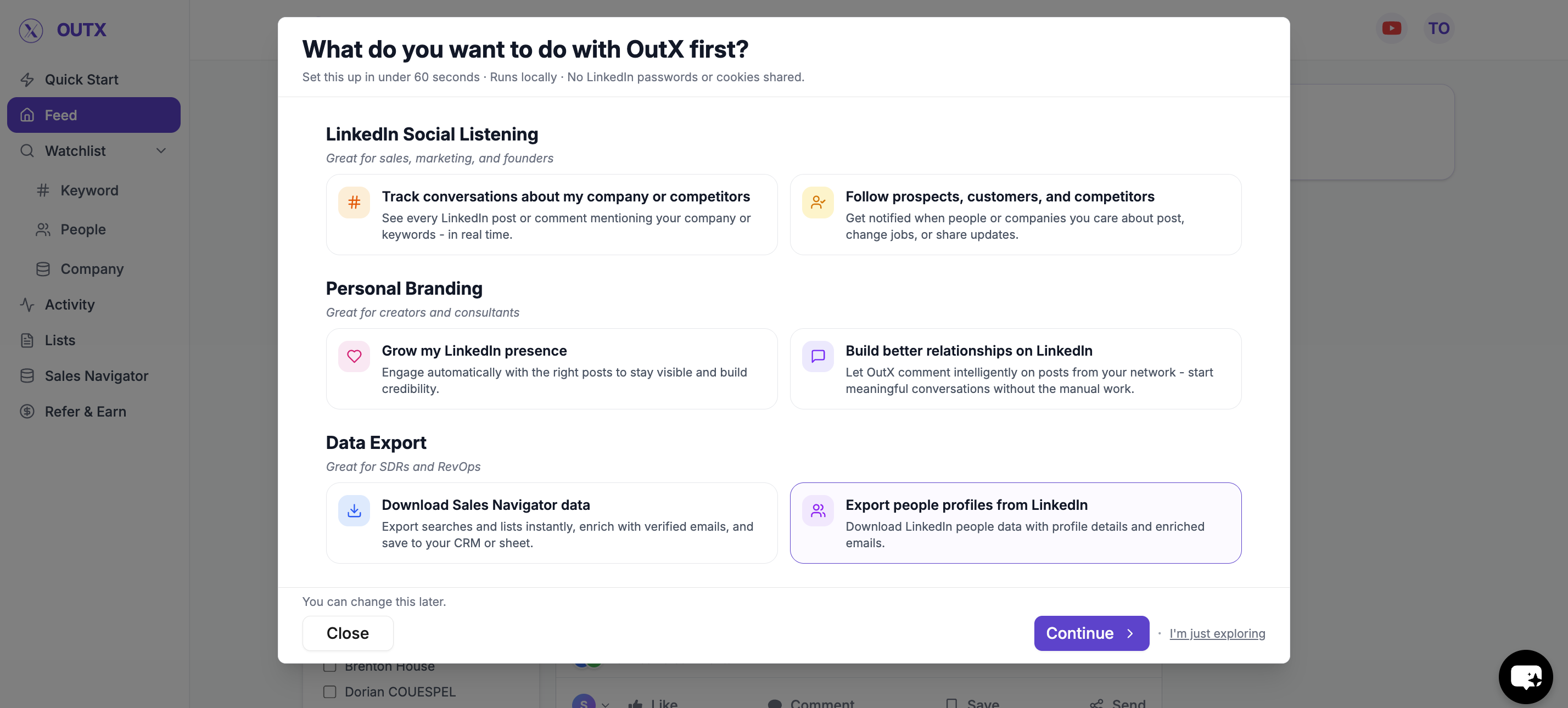
How to Export via People Search
- Run a LinkedIn People Search
- Copy the search URL
- Paste it into OutX.ai
- Start the export
What Data You Get
Each exported profile is converted into structured fields such as:- Name
- LinkedIn profile URL
- Current role and company
- Location
- Company details
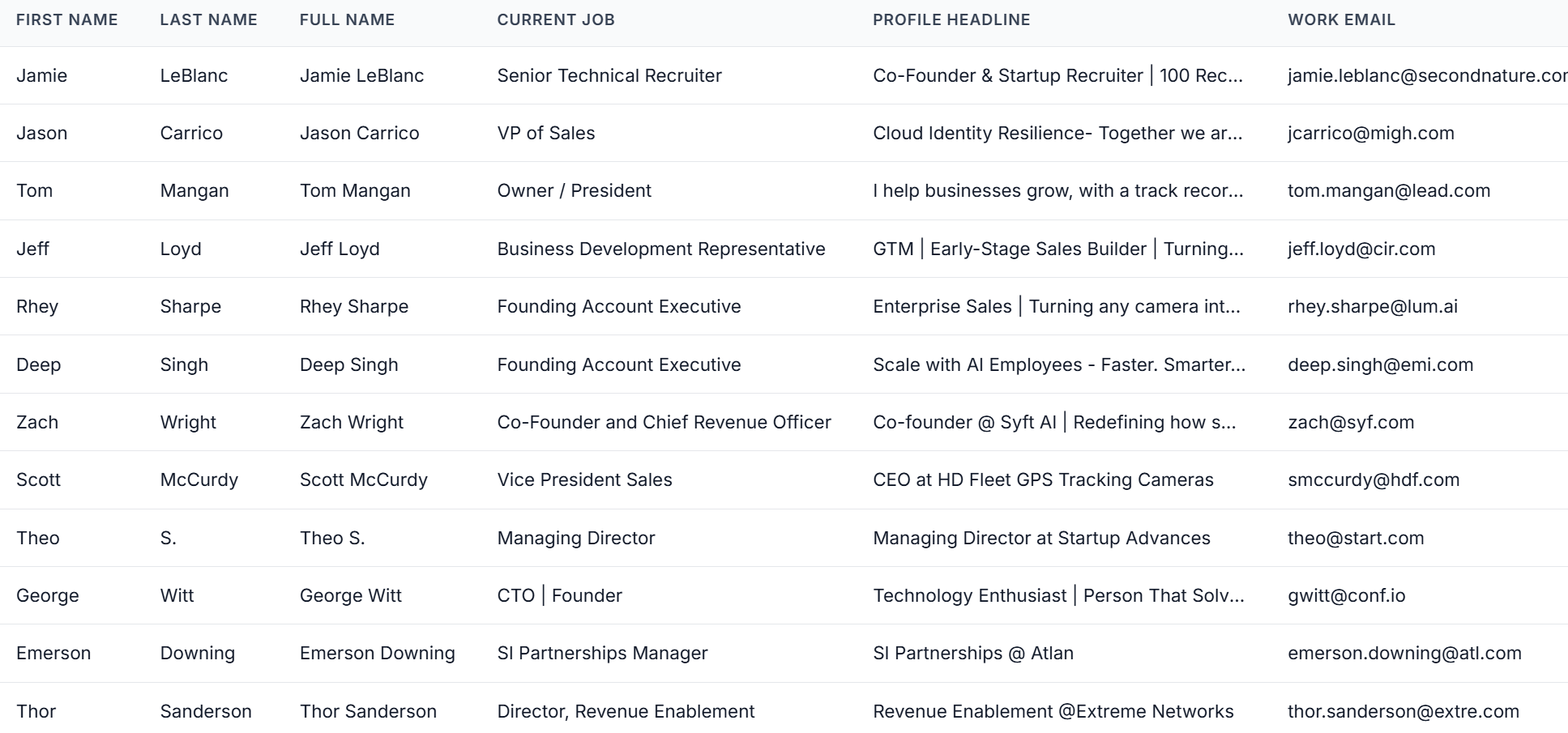
Email & Data Enrichment (Optional)
After export, you can enrich profiles if needed. You can add:- Work emails
- Additional company information
- Other contact fields
- CRM imports
- Email outreach
- Sales or recruiting workflows
How Data Export Works with Social Listening
Data Export works best when combined with signals. A common workflow:- Track hiring or buying intent using social listening
- Identify relevant people or roles
- Export them into a list
- Reach out with context