

Getting Your API Key
To obtain your API key:- Log in to your OutX account
- Visit mentions.outx.ai/api-doc
- Click “Reveal API Key” to view your key
- Copy and securely store your API key
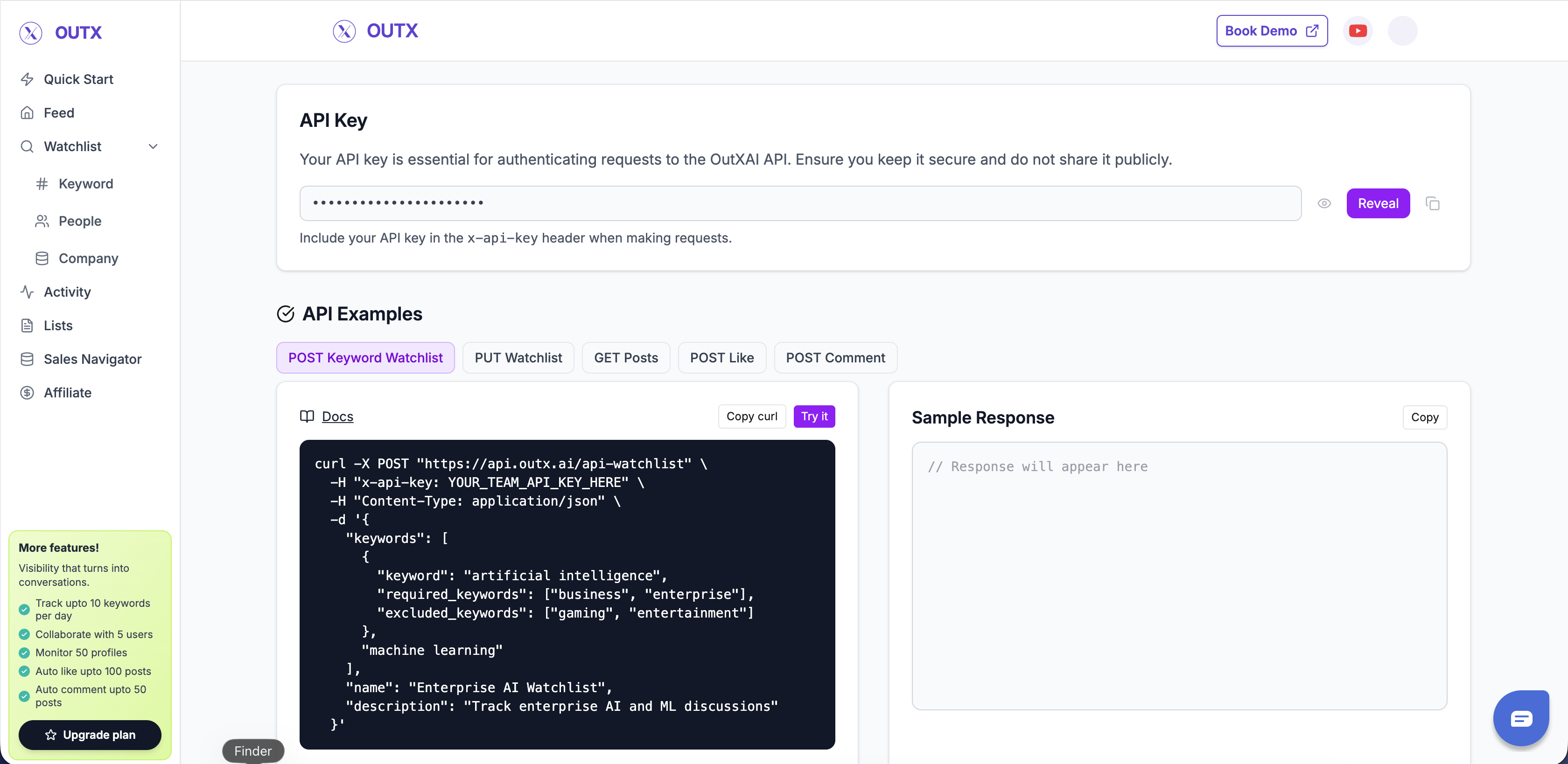
Using Your API Key
Include your API key in thex-api-key header of every API request:
Header Format
Example Request
Authentication Errors
401 Unauthorized
This error occurs when:- No API key is provided
- The API key is invalid or expired
- The API key format is incorrect
x-api-key header.
403 Forbidden
This error occurs when:- You’re trying to access resources that don’t belong to your team
- Your API key doesn’t have permission for the requested operation
Best Practices
Store API Keys Securely
Store API Keys Securely
- Never commit API keys to version control
- Use environment variables or secure key management systems
- Rotate keys periodically for enhanced security
Use HTTPS Only
Use HTTPS Only
- Always use HTTPS for API requests - Never send API keys over unencrypted connections
Monitor API Usage
Monitor API Usage
- Track your API usage to stay within rate limits - Set up alerts for unusual activity - Review API logs regularly
Handle Errors Gracefully
Handle Errors Gracefully
- Implement proper error handling in your code
- Retry failed requests with exponential backoff
- Log authentication errors for debugging
Rate Limiting
API rate limits are enforced per API key and vary based on your subscription plan:- Free Plan: 100 requests/hour
- Pro Plan: 1,000 requests/hour
- Enterprise Plan: Custom limits
429 Too Many Requests response:
Need higher rate limits? Contact support@outx.ai to
discuss enterprise options.
Team-Based Access
Your API key is associated with your team account. This means:- All API requests are scoped to your team’s data
- You can only access watchlists and posts created by your team
- Team members share the same rate limits